Latest Version
sSamedi
Finance
Windows
Free
9pn0mhpxh0g6
Report a Problem
More About Packages Tracker
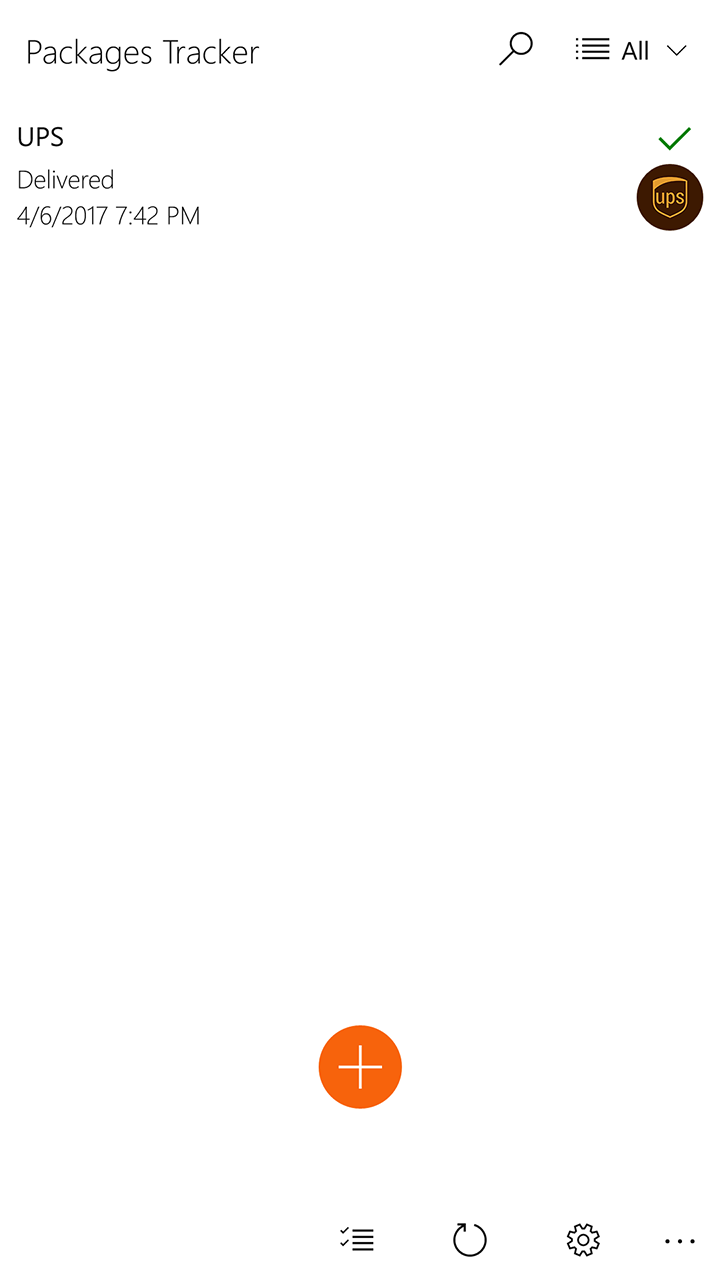
Managing incoming deliveries from multiple carriers can quickly become a chaotic chore, but the Packages Tracker app for Windows streamlines this process by consolidating all your shipments into a single, organized dashboard. Developed by sSamedi and categorized under finance-related utilities, this native Windows application eliminates the need to jump between different carrier websites. Instead, it offers a centralized hub where you can monitor, sort, and visualize your deliveries in real time.
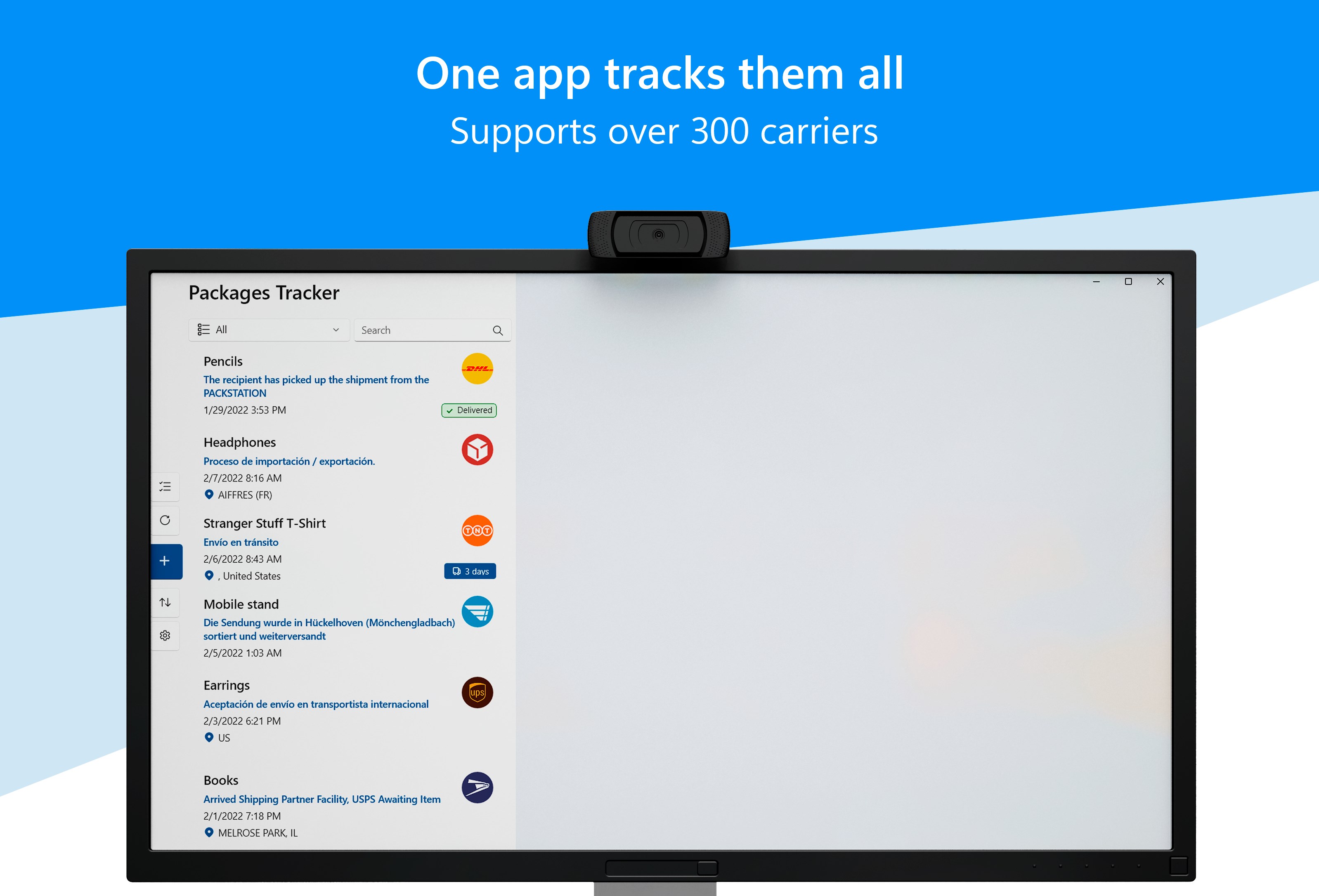
Consolidated Delivery Management Across 300+ Couriers
The standout strength of the Packages Tracker app for Windows is its extensive carrier compatibility. It supports over 300 global and regional postal services, ensuring that no matter where your order originates, you can follow its journey. Some of the major integrated couriers include:
- North America & International: USPS, FedEx, UPS, DHL, Canada Post, and Aramex.
- Europe & UK: Royal Mail, DPD, Hermes, GLS, Chronopost, Bpost, PostNL, Swiss Post, and TNT.
- Global Logistics: China Post and many others.
Key Features for Effortless Shipment Tracking
This utility goes beyond simple text updates to provide a highly interactive tracking experience. Here is what makes the application highly functional for frequent online shoppers and small businesses:
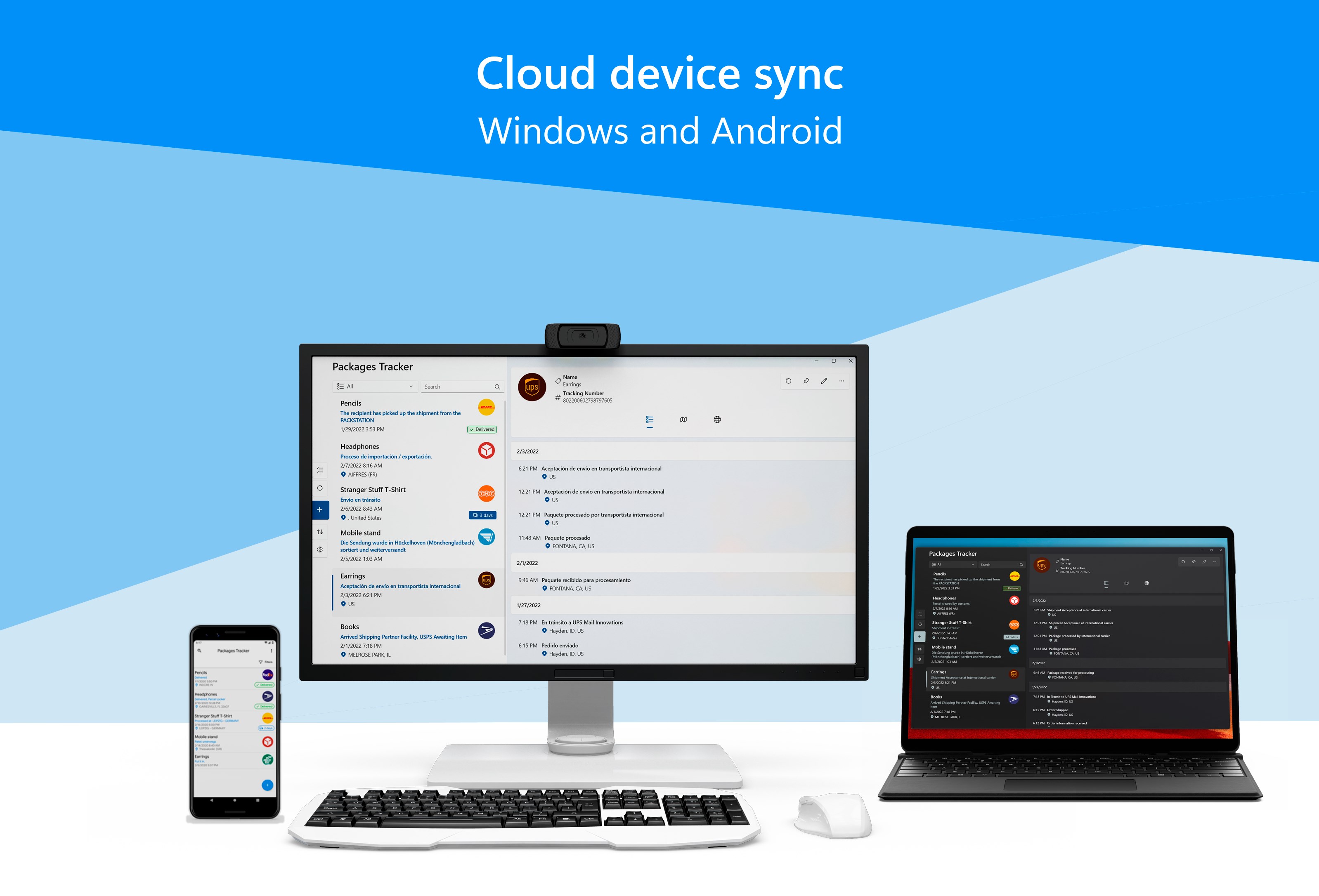
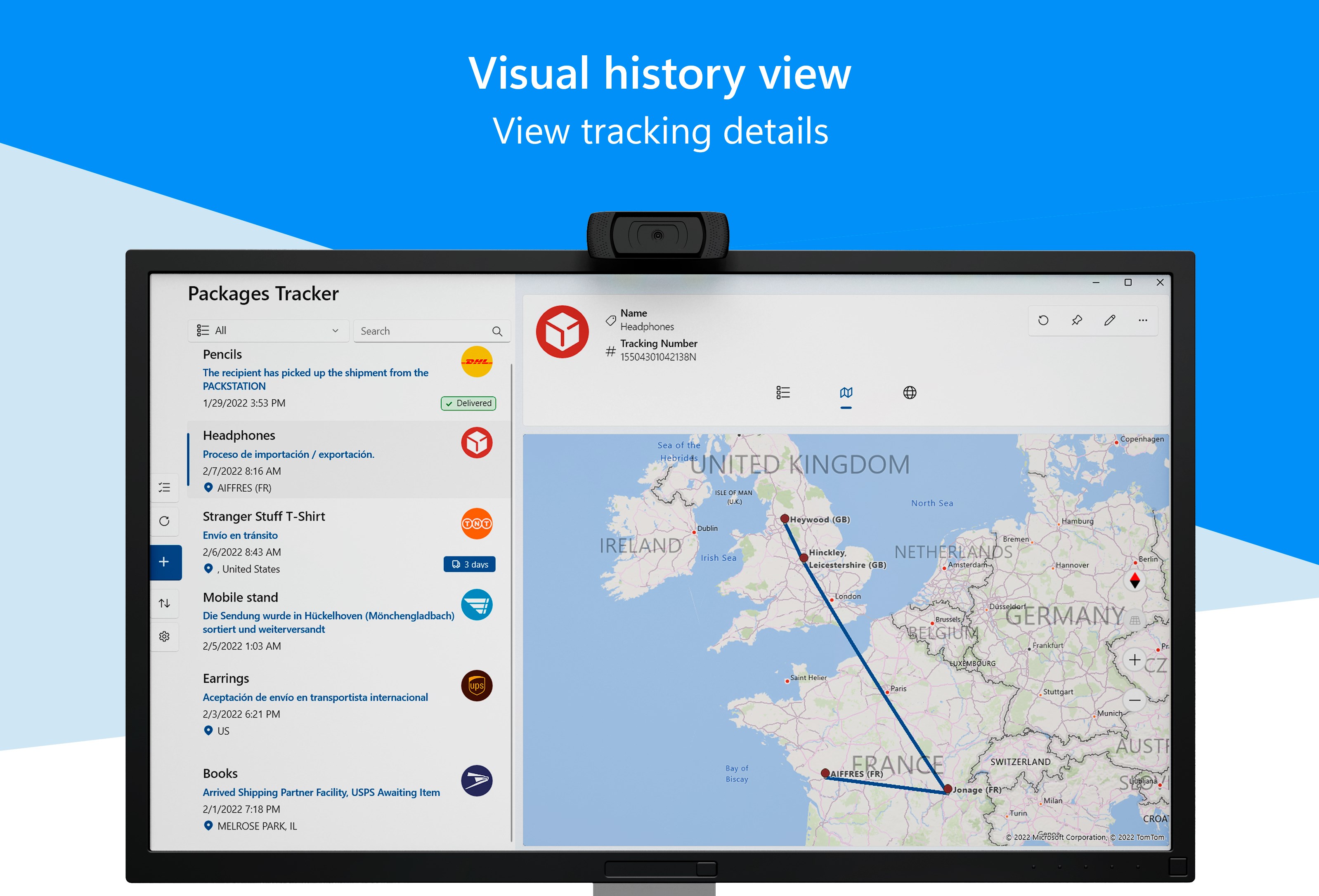
- Visual Map Routing: View the physical journey of your parcels with detailed route mapping from the origin to the final destination.
- Smart Clipboard Detection: The software automatically detects copied tracking numbers in your clipboard, allowing you to add them to your active watchlist with a single click.
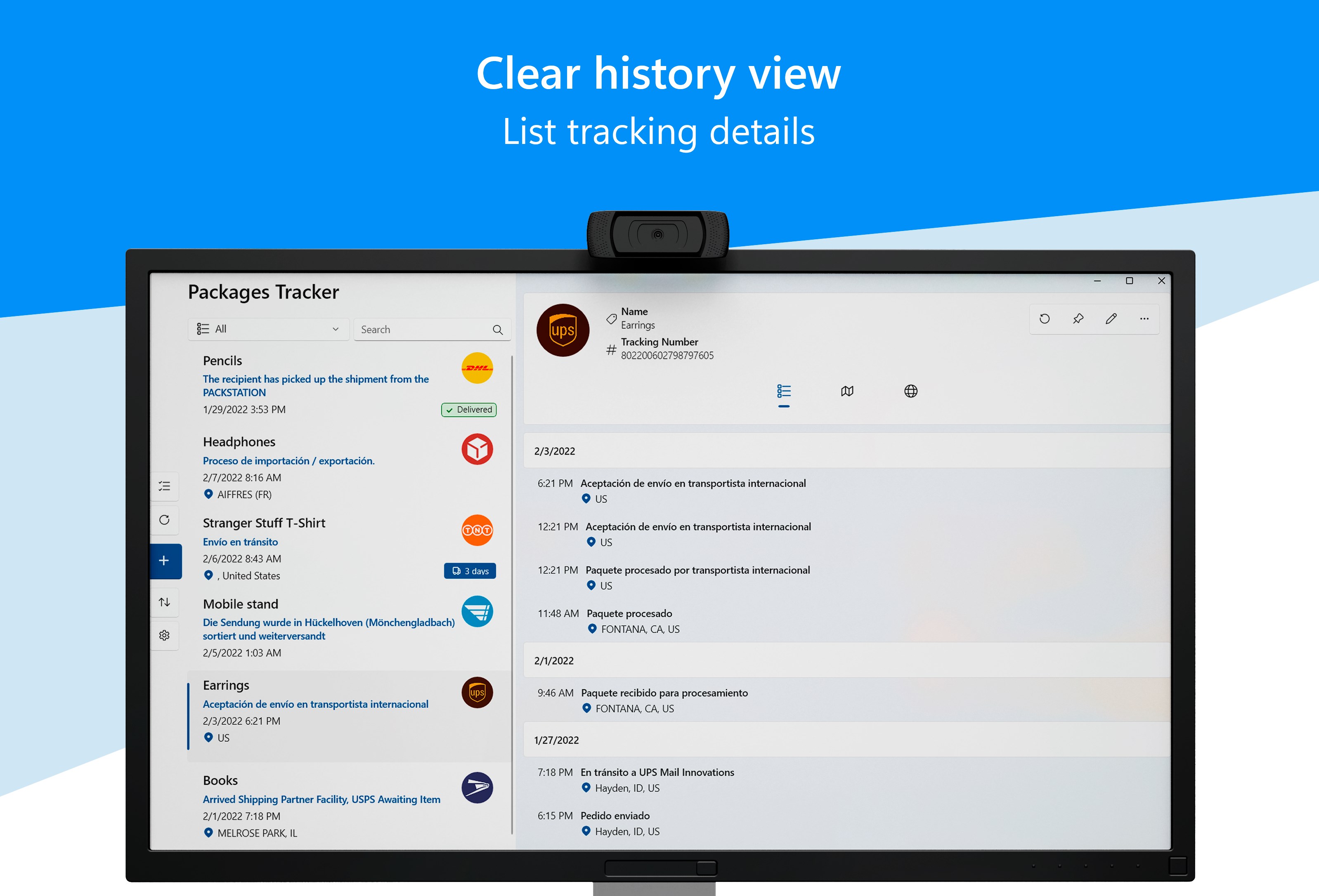
- Advanced Organization: Sort, search, filter, and archive completed deliveries to keep your main workspace clean and clutter-free.
- Cross-Device Synchronization: Back up your tracking history and synchronize your active parcel list seamlessly across your Windows devices.
- Detailed Notifications: Stay informed with timely alerts regarding status transitions, estimated delivery times, and arrival updates.
Flexible Trial and Usability
For users looking to test its capabilities, the app offers a practical Trial Mode. Under this trial tier, you can actively monitor up to 15 shipments simultaneously, giving you ample opportunity to evaluate its notification reliability, map accuracy, and interface layout before committing further.
Is It Right for You?
If you regularly receive shipments from varied international couriers and prefer managing your logistics from a desktop or laptop environment, this tool offers a robust, notification-rich solution. It is particularly valuable for users who appreciate visual route tracking and automated data entry.
To experience these organization tools firsthand, head over to the official Microsoft Store to explore the Packages Tracker app for Windows and simplify your delivery management today.
Rate the App
User Reviews













Popular Apps










Editor's Choice